Purchase order
类别 : 发票
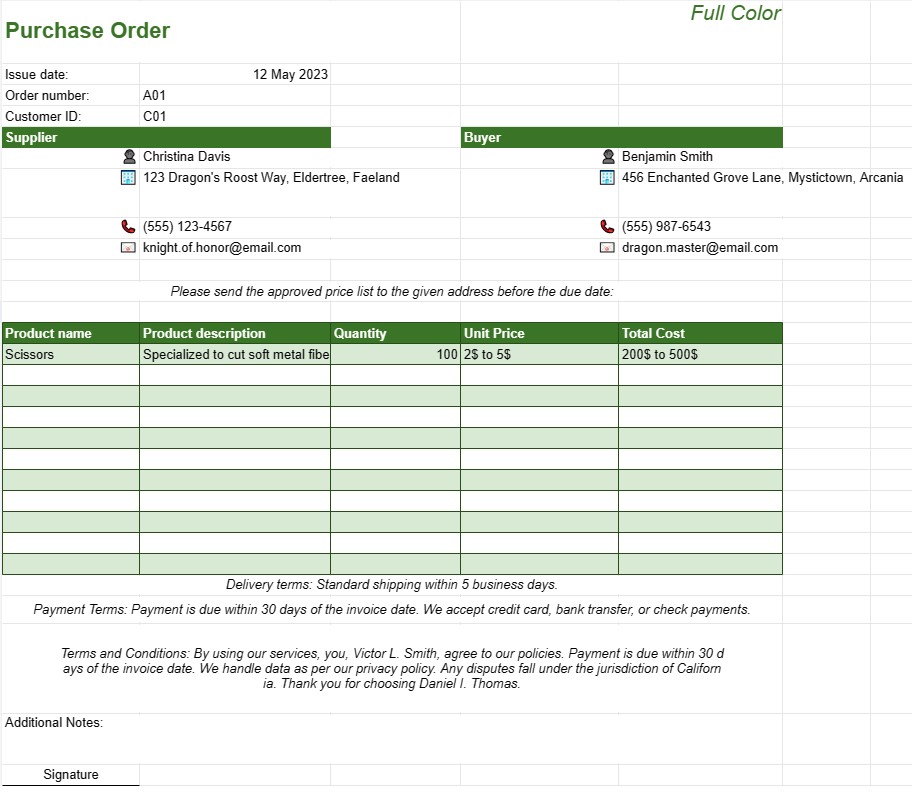
In the wholesale industry and factory, they are formally using this kind of order to ask the material providers to send the price lists.
The Purchase Order Template is a fundamental document in the world of procurement and supply chain management. It serves as an official request issued by a buyer or organization to a supplier for the purchase of goods or services. This template is meticulously structured to outline crucial details of the transaction, including item descriptions, quantities, prices, delivery schedules, payment terms, and other relevant terms and conditions.
At its core, the Purchase Order Template acts as a legally binding contract between the buyer and supplier, solidifying the commitment to purchase specific products or services at agreed-upon terms. Let's delve into the various components and key elements typically found in a Purchase Order Template:
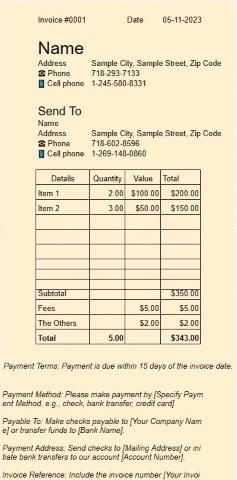
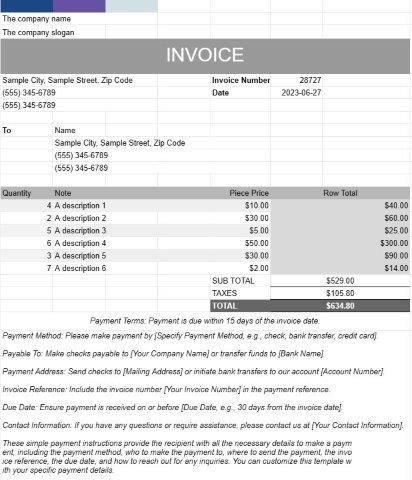
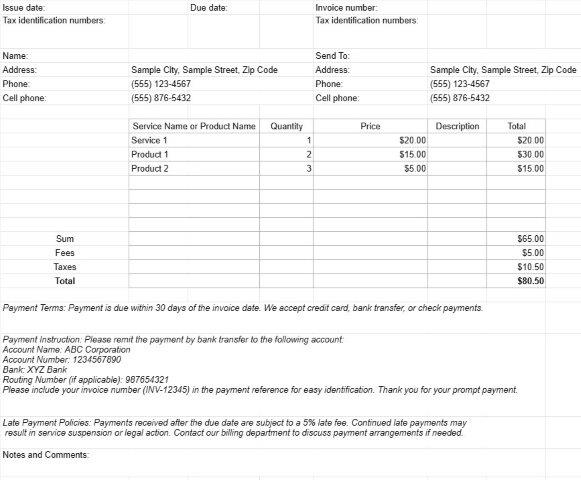
- Header Information: The template begins with the header, which usually includes the purchase order number, issue date, and contact information for both the buyer and supplier. This information is vital for easy identification and reference.
- Buyer and Supplier Details: The Purchase Order Template clearly specifies the legal names and addresses of both parties involved in the transaction. This ensures that there is no ambiguity about who is buying and who is supplying.
- Item Descriptions: One of the most critical sections of the template is the detailed item descriptions. Each item to be purchased is listed individually, along with a clear description, unit price, quantity, and total cost. This level of detail leaves no room for misunderstandings about the items being ordered.
- Delivery Terms: The template includes terms related to the delivery of goods, such as the expected delivery date, delivery location, and shipping instructions. These terms are essential to ensure that the ordered items arrive on time and in the right place.
- Payment Terms: Payment terms are outlined in the Purchase Order Template, specifying when and how the payment will be made. This can include details about payment methods, due dates, and any applicable discounts or late fees.
- Terms and Conditions: To protect the interests of both parties, the template often includes a section for terms and conditions. This may cover issues like warranties, returns, disputes, and penalties for non-compliance.
- Signatures: A Purchase Order is typically considered a legally binding document when it contains authorized signatures from both the buyer and supplier. These signatures indicate formal acceptance of the terms and conditions.
- Additional Notes: The template often provides space for additional comments or instructions. This can be used to communicate specific requirements or any other relevant information.
The Purchase Order Template plays a pivotal role in the procurement process, offering several key advantages:
- Clarity: It provides a clear and detailed record of the transaction, reducing the risk of miscommunication or disputes.
- Legal Protection: It serves as a legally binding contract, protecting the interests of both the buyer and supplier.
- Record Keeping: Purchase orders create a historical record of transactions, which is valuable for accounting, auditing, and financial analysis.
- Inventory Management: They help in managing inventory levels by specifying the quantities of items to be ordered.
- Budget Control: By including item prices and total costs, purchase orders help organizations manage their budgets effectively.
In summary, the Purchase Order Template is an indispensable tool in the world of procurement, ensuring that transactions are transparent, legally sound, and efficiently managed. It plays a vital role in maintaining smooth operations for businesses of all sizes and industries.
轻松预览和下载电子表格模板
查看电子表格模板的完整版本,没有任何限制,看看您是否喜欢它,然后您可以下载 Excel 模板将其存储在您的设备上并免费使用。
从任何地方访问电子表格模板
这适用于所有流行的操作系统,例如 Windows、MacOS、Linux、iOS。您可以查看电子表格模板并下载它们,而无需其他程序。
如何使用模板
按照非常容易遵循的步骤了解如何预览、下载和使用电子表格模板
更多类似模板
查看更多与所选模板属于同一类别的电子表格模板。