Factura senzilla
Categorie : Facturen
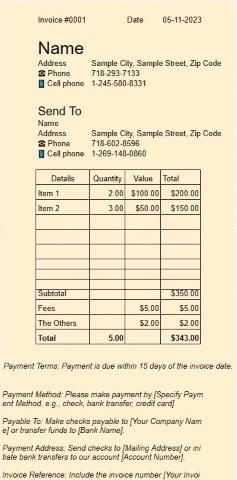
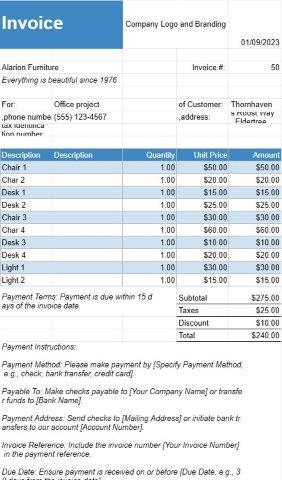
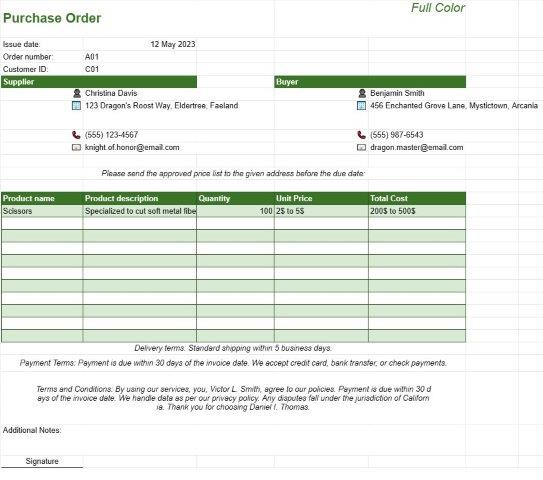
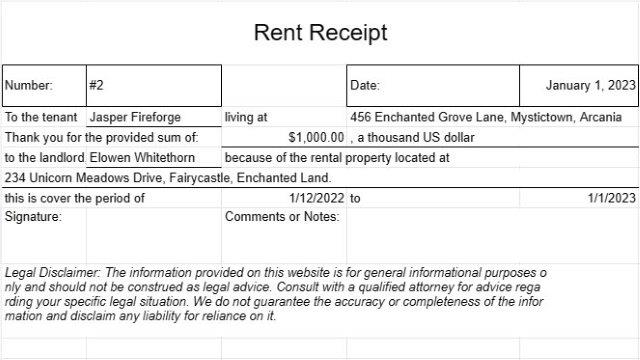
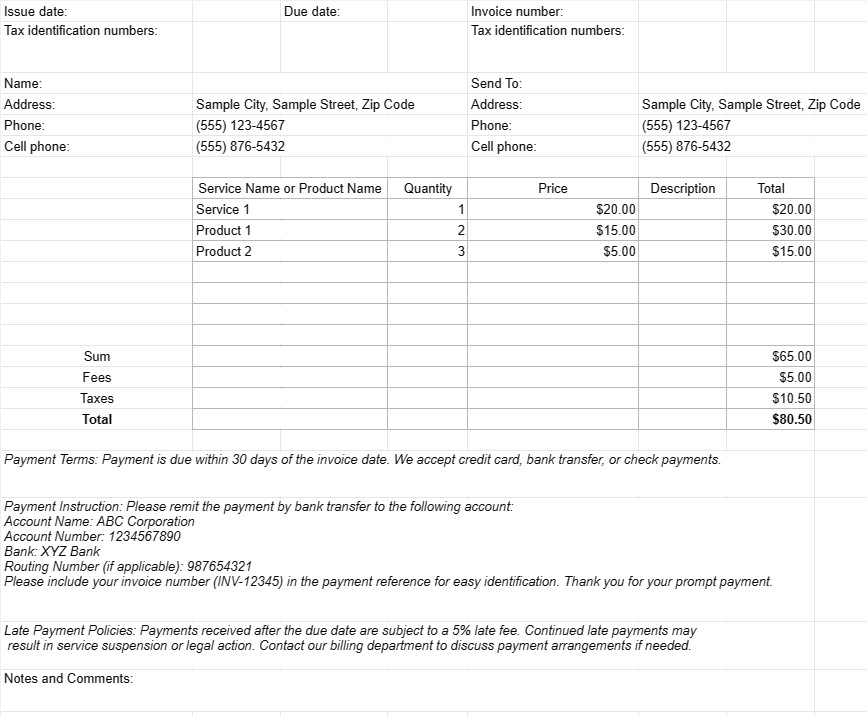
Aquesta és una factura senzilla per utilitzar, sense molts estils i formulacions.
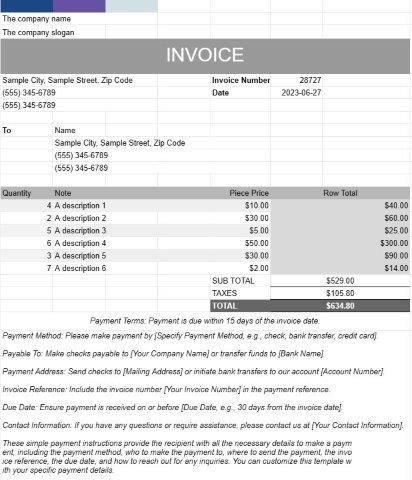
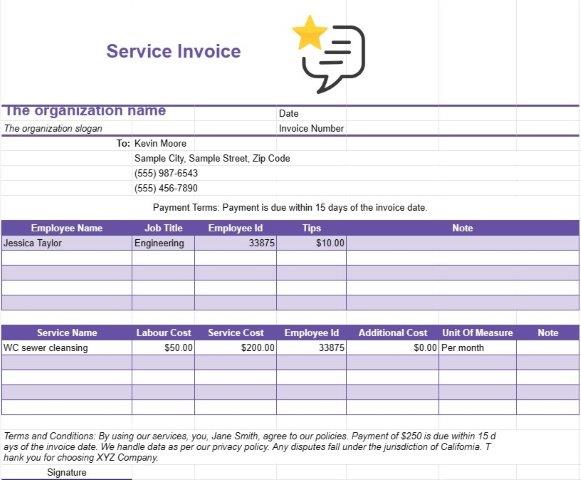
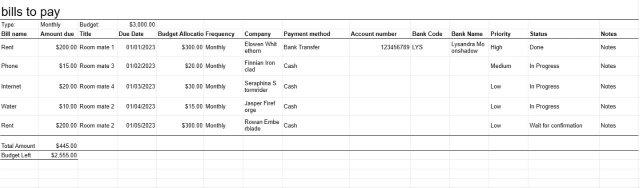
Un document de plantilla de Factura simple és un format bàsic i fàcil d'utilitzar que utilitzen empreses, autònoms i particulars per facturar als seus clients o béns o serveis prestats. Està dissenyat per ser fàcil de crear i d'entendre, la qual cosa la converteix en una opció adequada per a petites empreses i professionals independents.
A continuació es mostren els components i finalitats clau d'un document de plantilla de Factura simple:
- Detalls de l'empresa: la plantilla normalment inclou el nom de l'empresa del remitent, la informació de contacte, l'adreça i qualsevol número de registre o identificació fiscal rellevant. Aquesta informació estableix la identitat de l'entitat de facturació.
- Detalles del client: les dades del destinatari, inclosos el nom del client, la informació de contacte, l'adreça de facturació i qualsevol ordre de compra o números de referència del client. , estan inclosos. D'aquesta manera, s'assegura que la factura arriba al destinatari correcte i s'associa amb el compte de client corresponent.
- Detalls de la factura: s'assigna a cada factura un número de factura únic i el document especifica el problema. data i data de venciment del pagament. Aquests detalls ajuden tant el remitent com el destinatari a fer un seguiment de l'estat de la factura i els terminis de pagament.
- Descripció de béns o serveis: el nucli de la factura és una descripció dels béns venuts o dels serveis. prestat. Els usuaris inclouen detalls com ara els noms dels articles, les quantitats, els preus unitaris i el cost total de cada article o servei.
- Subtotals i totals: la plantilla calcula els subtotals per a línies individuals i els suma per mostrar l'import total degut. També pot incloure camps per a impostos, descomptes i qualsevol càrrec addicional.
- Condicions de pagament: les plantilles de factura senzilla sovint inclouen una secció que especifica les condicions de pagament, com ara la data de venciment i formes de pagament acceptades. Les condicions de pagament clares ajuden a evitar confusions i a garantir els pagaments oportuns.
- Instruccions de pagament: per facilitar els pagaments, la plantilla pot proporcionar instruccions de pagament, incloses dades del compte bancari, opcions de pagament electrònic o enllaços. als portals de pagament en línia.
- Polítiques de pagament endarrerit: Algunes factures inclouen informació sobre penalitzacions per demora o càrrecs per interessos per pagaments vençuts. Això serveix com a recordatori de les conseqüències dels pagaments endarrerits.
- Notes i comentaris: normalment hi ha espai per afegir notes o comentaris addicionals, cosa que permet al remitent proporcionar qualsevol context necessari, especial instruccions o termes i condicions relacionats amb la transacció.
- Manteniment de registres: les factures generades amb un document de plantilla de Factura simple serveixen com a registres financers essencials tant per al remitent com per al destinatari. Documenten els detalls de la transacció, que poden ser útils per a finalitats comptables, fiscals i per a la resolució de disputes.
- Personalització: les plantilles de factura simple es poden personalitzar perquè coincideixin amb la marca de l'empresa o individual. Els usuaris poden afegir logotips, ajustar tipus de lletra, colors i disseny per crear un aspecte coherent i professional.
En resum, una plantilla de document de factura simple és una eina senzilla i pràctica per facturar clients i clients. . Agilitza el procés de facturació, redueix les tasques administratives i dóna suport a una gestió financera eficient, per la qual cosa és especialment adequat per a petites empreses i autònoms.
Eenvoudig een spreadsheetsjabloon bekijken en downloaden
Bekijk de volledige versie van een spreadsheetsjabloon zonder beperkingen om te zien of u deze leuk vindt. Vervolgens kunt u de Excel-sjabloon downloaden om deze op uw apparaat op te slaan en gratis te gebruiken.
Krijg overal toegang tot de spreadsheetsjabloon
Dit werkt op alle populaire besturingssystemen zoals Windows, MacOS, Linux, iOS. U kunt de spreadsheetsjablonen bekijken en downloaden zonder extra programma's.
Hoe u een sjabloon gebruikt
Ontdek hoe u de spreadsheetsjabloon kunt bekijken, downloaden en vervolgens kunt gebruiken door de stappen te volgen die uiterst eenvoudig te volgen zijn
Meer vergelijkbare sjablonen
Bekijk meer spreadsheetsjablonen die onder dezelfde categorie vallen als de gekozen.