Einfache Rechnung
Kategorie : Rechnungen
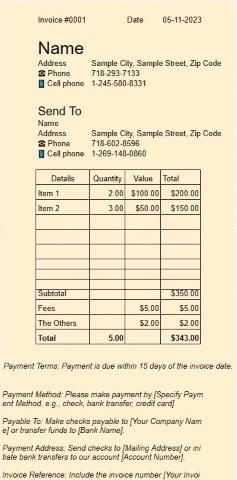
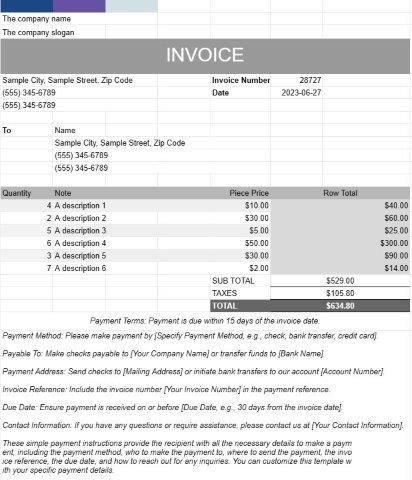
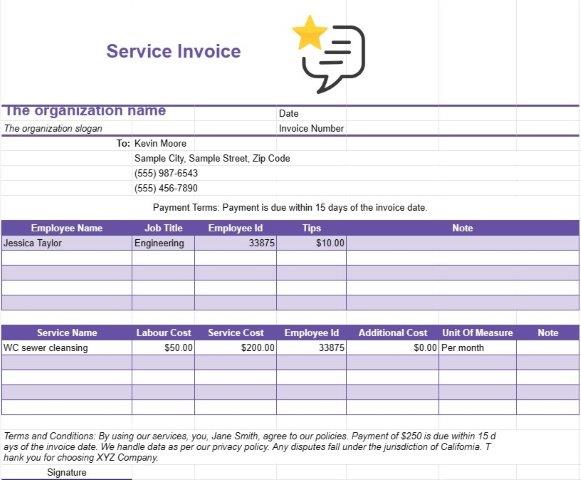
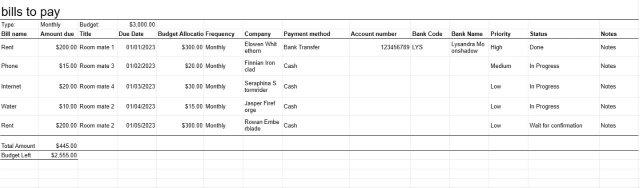
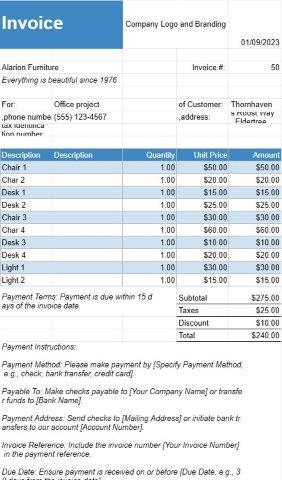
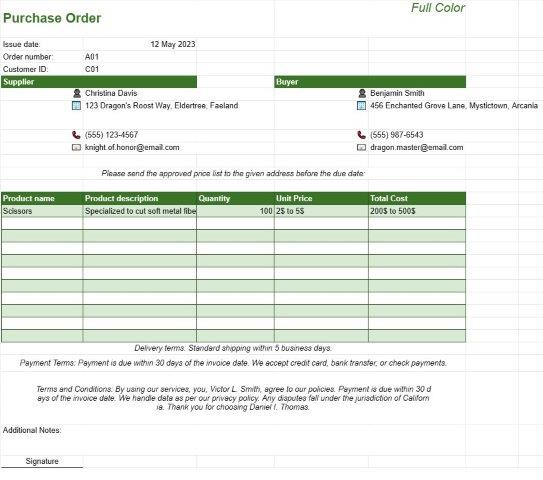
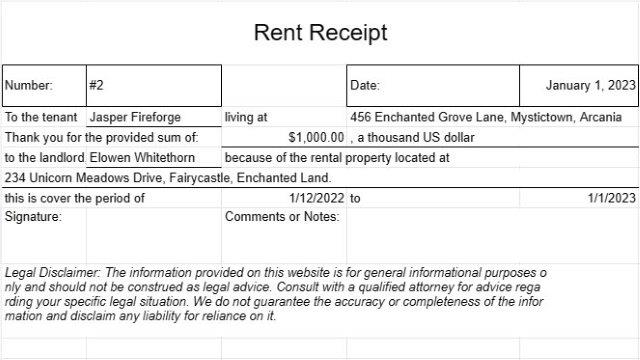
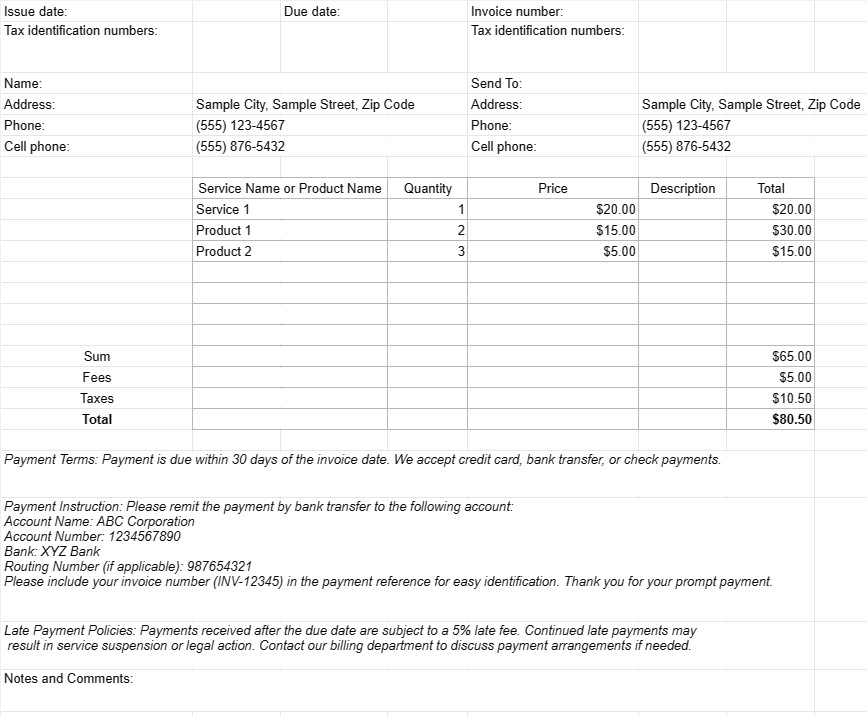
Dies ist eine einfache Rechnung für Sie, ohne viele Stile und Formulierungen.


Ein einfaches Rechnungsvorlagendokument ist ein einfaches und benutzerfreundliches Format, das von Unternehmen, Freiberuflern und Einzelpersonen verwendet wird, um ihren Kunden die bereitgestellten Waren oder Dienstleistungen in Rechnung zu stellen. Es ist so konzipiert, dass es einfach zu erstellen und zu verstehen ist und daher eine geeignete Wahl für kleine Unternehmen und Freiberufler ist.
Hier sind die wichtigsten Komponenten und Zwecke eines einfachen Rechnungsvorlagendokuments:
- Unternehmensdetails: Die Vorlage enthält normalerweise den Firmennamen des Absenders, Kontaktinformationen, Adresse und alle relevanten Registrierungs- oder Steueridentifikationsnummern. Diese Informationen stellen die Identität des Rechnungsstellers fest.
- Kundendaten: Die Daten des Empfängers, einschließlich des Namens des Kunden, Kontaktinformationen, Rechnungsadresse und etwaiger Bestell- oder Kundenreferenznummern , sind inklusive. Dadurch wird sichergestellt, dass die Rechnung den richtigen Empfänger erreicht und mit dem entsprechenden Kundenkonto verknüpft ist.
- Rechnungsdetails: Jeder Rechnung wird eine eindeutige Rechnungsnummer zugewiesen und das Dokument gibt die Ausgabe an Datum und Fälligkeitsdatum der Zahlung. Diese Details helfen sowohl dem Absender als auch dem Empfänger, den Status und die Zahlungsfristen der Rechnung zu verfolgen.
- Beschreibung der Waren oder Dienstleistungen: Der Kern der Rechnung ist eine Beschreibung der verkauften Waren oder Dienstleistungen gerendert. Benutzer geben Details wie Artikelnamen, Mengen, Stückpreise und die Gesamtkosten für jeden Artikel oder jede Dienstleistung an.
- Zwischensummen und Summen: Die Vorlage berechnet Zwischensummen für einzelne Einzelposten und zählt sie zusammen, um den geschuldeten Gesamtbetrag anzuzeigen. Es kann auch Felder für Steuern, Rabatte und zusätzliche Gebühren enthalten.
- Zahlungsbedingungen: Einfache Rechnungsvorlagen enthalten häufig einen Abschnitt mit den Zahlungsbedingungen, wie z. B. dem Fälligkeitsdatum und akzeptierte Zahlungsmethoden. Klare Zahlungsbedingungen helfen, Verwirrung zu vermeiden und pünktliche Zahlungen sicherzustellen.
- Zahlungsanweisungen: Um Zahlungen zu erleichtern, kann die Vorlage Zahlungsanweisungen enthalten, einschließlich Bankkontodaten, elektronische Zahlungsoptionen oder Links an Online-Zahlungsportale.
- Richtlinien für verspätete Zahlungen: Einige Rechnungen enthalten Informationen über Verzugsstrafen oder Zinsgebühren für überfällige Zahlungen. Dies dient als Erinnerung an die Folgen verspäteter Zahlungen.
- Notizen und Kommentare: In der Regel gibt es Platz für das Hinzufügen zusätzlicher Notizen oder Kommentare, sodass der Absender den erforderlichen, speziellen Kontext angeben kann Anweisungen oder Geschäftsbedingungen im Zusammenhang mit der Transaktion.
- Aufbewahrung von Aufzeichnungen: Rechnungen, die mit einem einfachen Rechnungsvorlagendokument erstellt wurden, dienen sowohl dem Absender als auch dem Empfänger als wesentliche Finanzunterlagen. Sie dokumentieren die Transaktionsdetails, die für Buchhaltungs-, Steuerzwecke und Streitbeilegung hilfreich sein können.
- Anpassung: Einfache Rechnungsvorlagen können an das Branding des Unternehmens angepasst werden oder Individuell. Benutzer können Logos hinzufügen, Schriftarten, Farben und Layout anpassen, um ein einheitliches und professionelles Erscheinungsbild zu schaffen.
Zusammenfassend ist ein einfaches Rechnungsvorlagendokument ein unkompliziertes und praktisches Tool für die Rechnungsstellung an Kunden . Es rationalisiert den Rechnungsprozess, reduziert Verwaltungsaufgaben und unterstützt ein effizientes Finanzmanagement, wodurch es sich besonders für kleine Unternehmen und Freiberufler eignet.
Einfache Vorschau und Download der Tabellenvorlage
Sehen Sie sich die Vollversion einer Tabellenkalkulationsvorlage ohne Einschränkungen an, um zu sehen, ob sie Ihnen gefällt. Anschließend können Sie die Excel-Vorlage herunterladen, sie auf Ihrem Gerät speichern und kostenlos verwenden.
Greifen Sie von überall auf die Tabellenvorlage zu
Dies funktioniert auf allen gängigen Betriebssystemen wie Windows, MacOS, Linux, iOS. Sie können die Tabellenvorlagen ansehen und ohne zusätzliche Programme herunterladen.
So verwenden Sie eine Vorlage
Finden Sie heraus, wie Sie die Tabellenvorlage in der Vorschau anzeigen, herunterladen und dann verwenden können, indem Sie die Schritte befolgen, die äußerst einfach zu befolgen sind
Weitere ähnliche Vorlagen
Sehen Sie sich weitere Tabellenvorlagen an, die zur gleichen Kategorie gehören wie die ausgewählte.